FareHarbor payroll gets complicated when pay depends on the booking
PayCanvas helps operators turn FareHarbor booking activity, passenger counts, add-ons, gratuities, locations, roles, and exceptions into payroll-ready numbers that can be reviewed and explained.
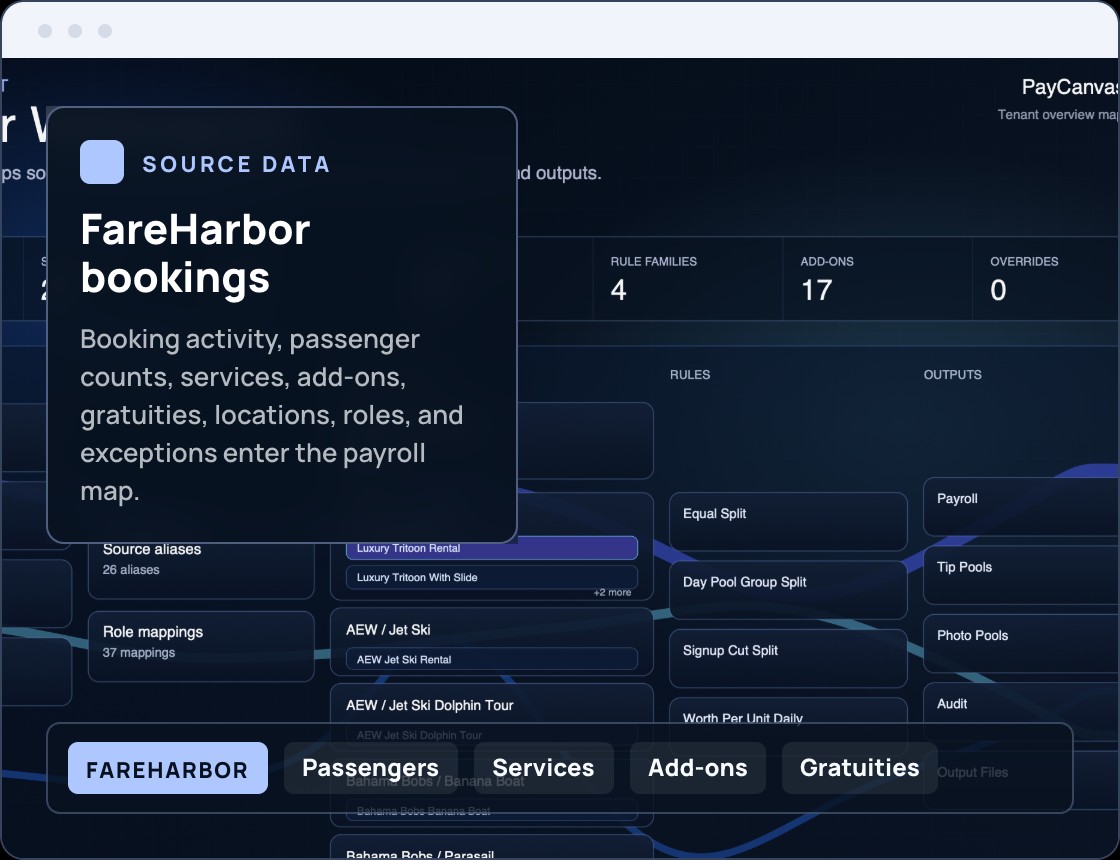
FareHarbor shows what happened. PayCanvas explains what each person is owed.
FareHarbor can be operationally valuable, but payroll often depends on details spread across bookings, services, passenger counts, crew assignments, gratuities, add-ons, custom fields, locations, and manual corrections. The problem is not only calculating payroll. The problem is proving why each person got paid what they got paid.
bookingsservicespassenger countscrew assignmentsgratuitiesadd-onscustom fieldslocationsmanual corrections
Common FareHarbor-based pay rules.
PayCanvas helps model the payroll logic around the way bookings, services, roles, locations, tips, add-ons, and exceptions actually affect the final run.
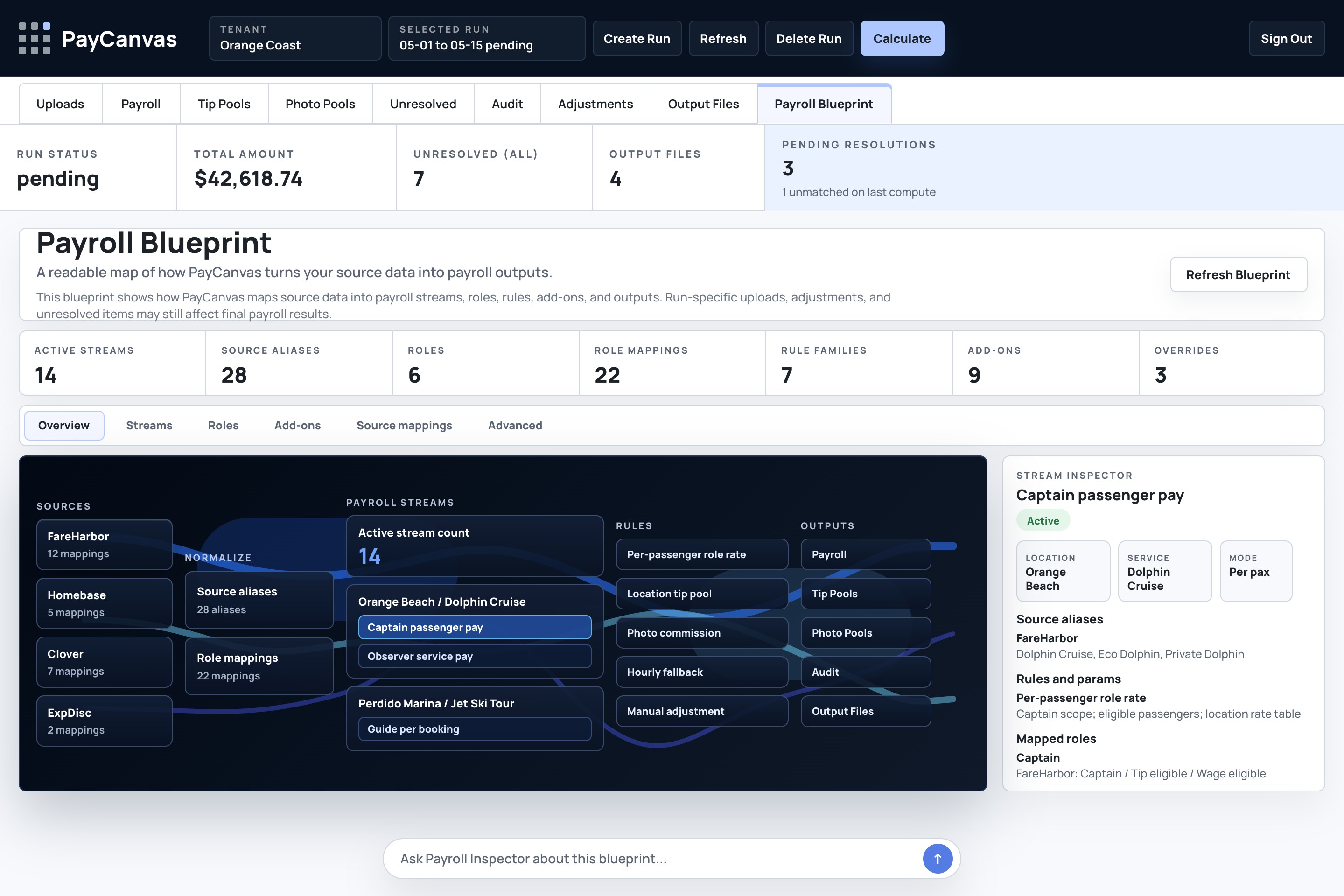
From booking data to payroll-ready output.
PayCanvas maps the path from source data to rules, payroll run, review, explanation trail, and export-ready summary. Every number should be traceable back to the source data and rule that created it.
Example: Orange Coast Watersports.
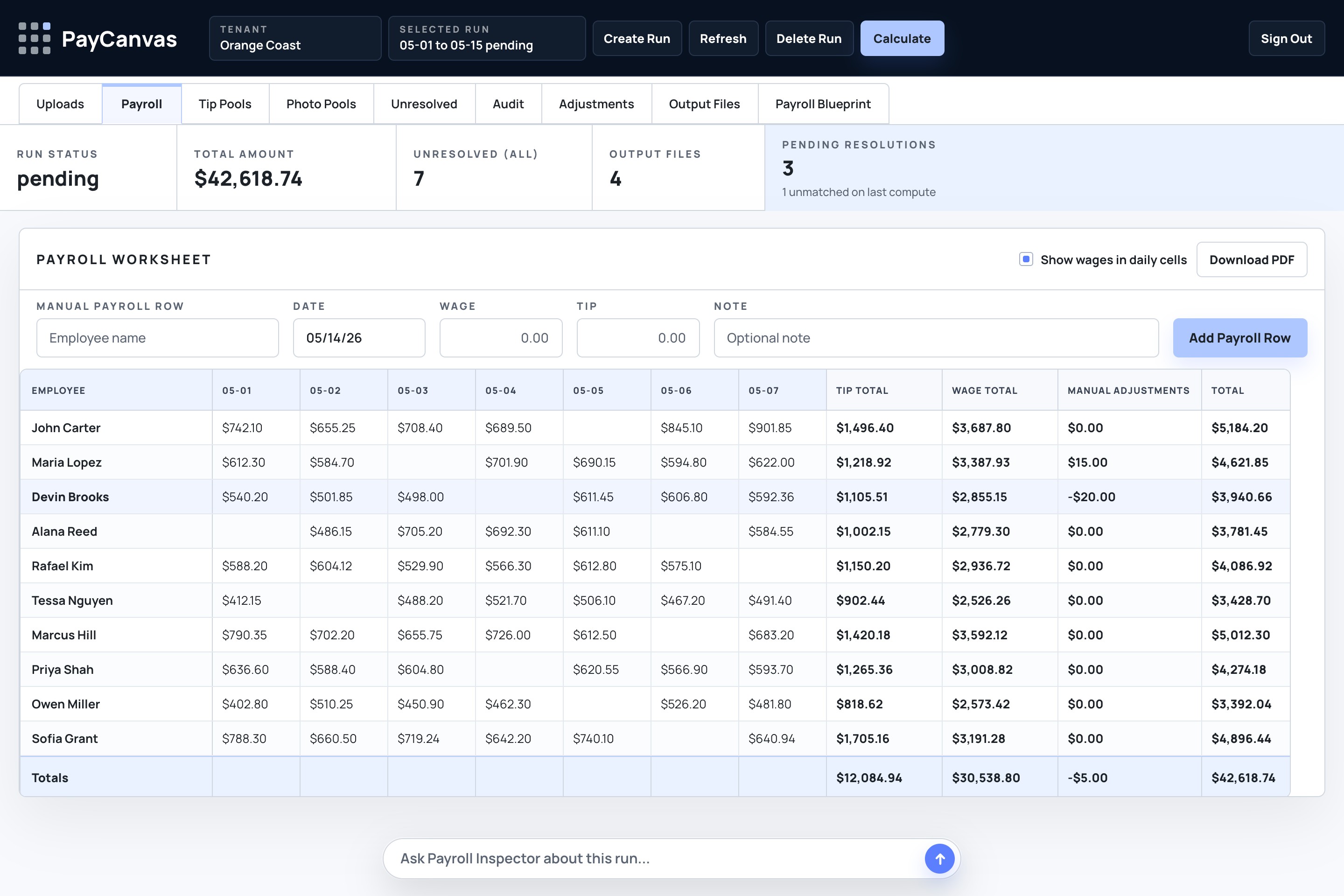
Synthetic example only: Orange Coast Watersports uses FareHarbor for dolphin cruises, jet ski tours, and sunset cruises. Captain pay depends on passenger counts, service type, and location. Observer pay uses a different rate. Tips are pooled by location, photo package sales trigger commission, and one booking has revenue but no assigned crew member.
| Item | Source | Rule | Output |
|---|---|---|---|
| Dolphin Cruise | FareHarbor passenger count | Captain rate by passenger | Service pay line item |
| Jet Ski Tour | FareHarbor service and location | Observer rate by eligible booking | Crew service pay |
| Sunset Cruise tips | Gratuities grouped by location | Orange Beach tip pool | Reviewed tip allocation |
| Photo package | Add-on sale | Commission on eligible package | Commission line item |
| Missing crew booking | Booking has revenue | Crew assignment required | Exception for review |
Sample payroll run
View the sample payroll runWant to see the full calculation?
Walk through the complete sample run, including source data, pay rules, exceptions, and the explanation trail behind each payout.
FareHarbor payroll FAQ.
Practical boundaries for how PayCanvas supports FareHarbor-based payroll workflows.
Does PayCanvas replace FareHarbor?
No. PayCanvas does not replace FareHarbor. It helps operators use booking, passenger, service, add-on, gratuity, location, and exception data as inputs for payroll calculation, review, traceability, and export preparation.
Does PayCanvas file payroll taxes?
No. PayCanvas is not positioned as a payroll tax filing or benefits provider. It helps calculate, explain, review, and export payroll-ready outputs before downstream payroll workflows receive final numbers.
Can PayCanvas handle per-passenger pay?
Yes. Per-passenger pay is a core booking-driven payroll use case. PayCanvas can model rates by role, service, passenger count, location, and exception status when those rules are part of the operator's payroll process.
Can PayCanvas help with tips and gratuity pools?
Yes. PayCanvas can help model and review tip or gratuity pools, including location-based pools, role eligibility, weighting, manual corrections, and the audit trail behind each allocation.
Can PayCanvas connect directly to FareHarbor?
PayCanvas can be configured around the FareHarbor data your business can provide, such as exports, reports, manifests, booking records, custom fields, passenger counts, gratuities, and add-ons. The exact setup depends on how your FareHarbor account is structured and what data is available.
What if our FareHarbor setup uses custom fields or exports?
PayCanvas is configured around the operator's actual source data, exports, fields, pay rules, review steps, and export requirements. A setup review is used to understand those details before implementation.
What happens when a booking has missing crew or incomplete data?
PayCanvas keeps exceptions visible for review. A booking with revenue but no assigned crew member, missing role data, or incomplete correction notes can be flagged before payroll is finalized.
PayCanvas is not affiliated with or endorsed by FareHarbor. FareHarbor is referenced as an operational booking system that some operators use as part of their payroll workflow.
PayCanvas
Want to see how your FareHarbor pay rules would map?
PayCanvas is configured around your booking activity, passenger counts, labor data, pay rules, locations, exceptions, review process, and export requirements.